¿Puedo correr Outlast 2?
Detectando...
Verificando tu PC
¿Cómo le va a tu equipo?
Detectando tu hardware...
Requisitos del Sistema
| Componente | Mínimo | Recomendado | Tu PC |
|---|---|---|---|
| GPU | 1GB VRAM, NVIDIA Geforce GTX 260 / ATI Radeon HD 4870 | 1.5GB VRAM, NVIDIA Geforce GTX 660 / ATI Radeon HD 7850 | Detectando... |
| CPU | Intel Core i3-530 | Intel Core i5 | Detectando... |
| RAM | 4 GB | 8 GB | Detectando... |
| Almacenamiento | 30 GB | 30 GB | — |
| DirectX | Version 10 | Version 11 | — |
Acerca de
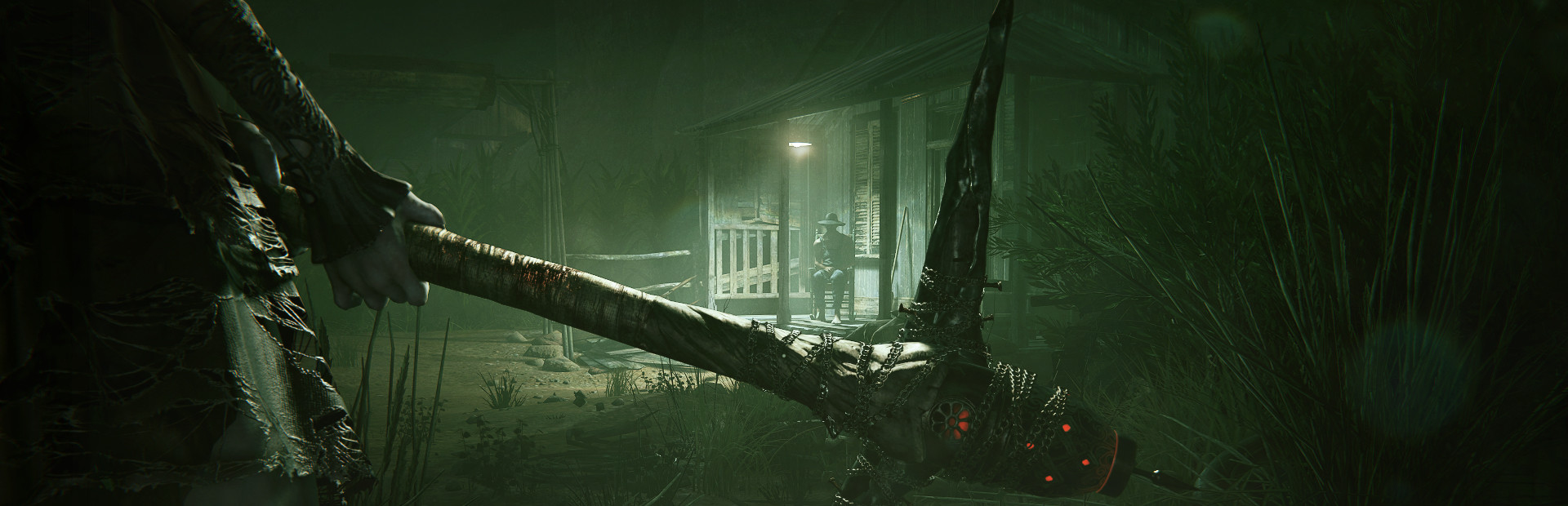
Outlast 2 introduces you to Sullivan Knoth and his followers, who left our wicked world behind to give birth to Temple Gate, a town, deep in the wilderness and hidden from civilization. Knoth and his flock are preparing for the tribulations of the end of times and you’re right in the thick of it.
Preguntas Frecuentes
¿Puedo correr Outlast 2 en mi PC?
Para correr Outlast 2 necesitas al menos 1GB VRAM y 4GB de RAM. Para la mejor experiencia, se recomienda 1.5GB VRAM con 8GB de RAM. Usa CanIRun.gg para verificar tu PC al instante y gratis.
¿Cuáles son los requisitos mínimos de Outlast 2?
Requisitos mínimos de Outlast 2: GPU: 1GB VRAM, NVIDIA Geforce GTX 260 / ATI Radeon HD 4870, CPU: Intel Core i3-530, RAM: 4 GB, Almacenamiento: 30 GB, DirectX: Version 10.
¿Cuáles son los requisitos recomendados de Outlast 2?
Requisitos recomendados de Outlast 2: GPU: 1.5GB VRAM, NVIDIA Geforce GTX 660 / ATI Radeon HD 7850, CPU: Intel Core i5, RAM: 8 GB, Almacenamiento: 30 GB, DirectX: Version 11.
¿Cuántos GB pesa Outlast 2?
Outlast 2 requiere al menos 30 GB de almacenamiento libre para su instalación. Asegúrate de tener algo de espacio extra para actualizaciones y partidas guardadas.
¿Puedo correr Outlast 2 con una GTX 1650?
Sí — una GTX 1650 cumple cómodamente con el mínimo e incluso se acerca al tier recomendado de GPU para Outlast 2. Espera buen rendimiento a 1080p en calidad media.
¿Outlast 2 exige más CPU o GPU?
Outlast 2 es relativamente más exigente con el CPU que con la GPU. El rendimiento single-thread y la frecuencia del procesador importan más que la potencia bruta de GPU — asegúrate de que tu procesador cumpla el requisito recomendado.