¿Puedo correr ENDER MAGNOLIA: Bloom in the Mist?
Detectando...
Verificando tu PC
¿Cómo le va a tu equipo?
Detectando tu hardware...
Requisitos del Sistema
| Componente | Mínimo | Recomendado | Tu PC |
|---|---|---|---|
| GPU | 2GB VRAM | 4GB VRAM | Detectando... |
| CPU | Dual Core @ 2.50Ghz | Quad Core @ 3.00Ghz | Detectando... |
| RAM | 4 GB | 8 GB | Detectando... |
| Almacenamiento | 5 GB | 5 GB | — |
| DirectX | Version 12 | Version 12 | — |
Acerca de
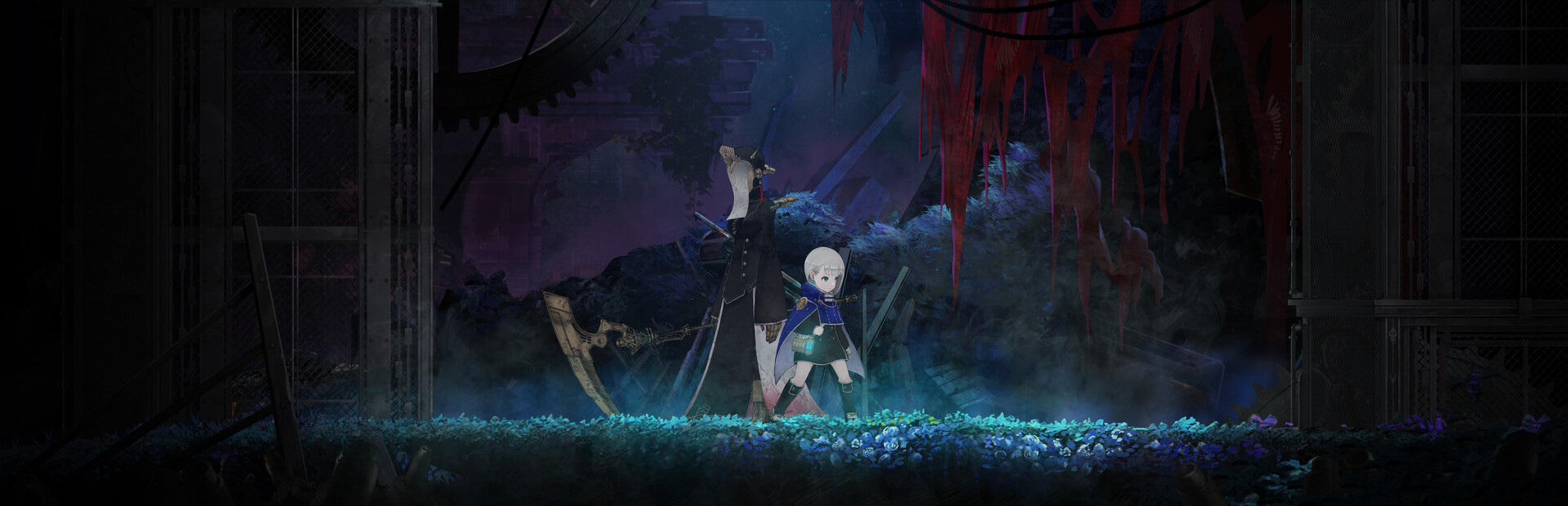
Decades after the events of ENDER LILIES, Homunculi — sorrowful, artificial life forms — roam the land. In this dark fantasy Metroidvania, face formidable enemies and explore a bewitching post-apocalyptic world. Humans and Homunculi — what awaits at the end of the quest for their salvation?
Preguntas Frecuentes
¿Puedo correr ENDER MAGNOLIA: Bloom in the Mist en mi PC?
Para correr ENDER MAGNOLIA: Bloom in the Mist necesitas al menos 2GB VRAM y 4GB de RAM. Para la mejor experiencia, se recomienda 4GB VRAM con 8GB de RAM. Usa CanIRun.gg para verificar tu PC al instante y gratis.
¿Cuáles son los requisitos mínimos de ENDER MAGNOLIA: Bloom in the Mist?
Requisitos mínimos de ENDER MAGNOLIA: Bloom in the Mist: GPU: 2GB VRAM, CPU: Dual Core @ 2.50Ghz, RAM: 4 GB, Almacenamiento: 5 GB, DirectX: Version 12.
¿Cuáles son los requisitos recomendados de ENDER MAGNOLIA: Bloom in the Mist?
Requisitos recomendados de ENDER MAGNOLIA: Bloom in the Mist: GPU: 4GB VRAM, CPU: Quad Core @ 3.00Ghz, RAM: 8 GB, Almacenamiento: 5 GB, DirectX: Version 12.
¿Cuántos GB pesa ENDER MAGNOLIA: Bloom in the Mist?
ENDER MAGNOLIA: Bloom in the Mist requiere al menos 5 GB de almacenamiento libre para su instalación. Asegúrate de tener algo de espacio extra para actualizaciones y partidas guardadas.
¿Puedo correr ENDER MAGNOLIA: Bloom in the Mist con una GTX 1650?
Sí, una GTX 1650 debería correr ENDER MAGNOLIA: Bloom in the Mist en configuraciones mínimas. Cumple con el tier mínimo de GPU pero queda por debajo del recomendado, así que espera 1080p en bajo-medio y caídas de frames ocasionales en escenas exigentes.
¿ENDER MAGNOLIA: Bloom in the Mist exige más CPU o GPU?
ENDER MAGNOLIA: Bloom in the Mist pone carga balanceada tanto en CPU como en GPU. Ningún componente es dramáticamente más pesado que el otro, así que un CPU de gama media con una GPU de gama media da la mejor experiencia.